Service

Interactive 3D product demos for websites

When photos and a PDF don't explain how a product works, show it in 3D: the customer opens a link, turns the model, goes through the steps and gets it. Nothing to install — it runs in the browser.

Who it's for

  • Equipment makers whose product is hard to explain with photos
  • Teams that train installers, technicians or customers remotely
  • Companies that want an interactive presentation on their own site

Tasks we take on

  • Show a device where it will really work: on a street, in a room, on a line
  • Walk the viewer through installation or operation, one action at a time
  • Turn an instruction or a course into a hands-on exercise in 3D
  • Make a heavy scene open quickly, including on weaker laptops

What you get A 3D scene that opens by a link, explains the product visually and can live on your site or be sent to a customer.

Scope of work

What the work can include

  • A scene built from your models, drawings or photos
  • Interaction: steps, hints, checks of the viewer's actions
  • A lighter mode for weaker computers
  • Embedding into your site or a separate link
  • Changes after your review

What the estimate depends on

  • How many objects and how much detail the scene needs
  • Whether 3D models exist or have to be made
  • The number of steps and scenarios
  • Target devices and browsers

What helps us start

  • What the viewer should understand or do after the demo
  • Existing 3D models, CAD files, drawings or photos
  • Examples you like, if any
  • Where the demo will live: your site, a link for customers, an exhibition

Cases

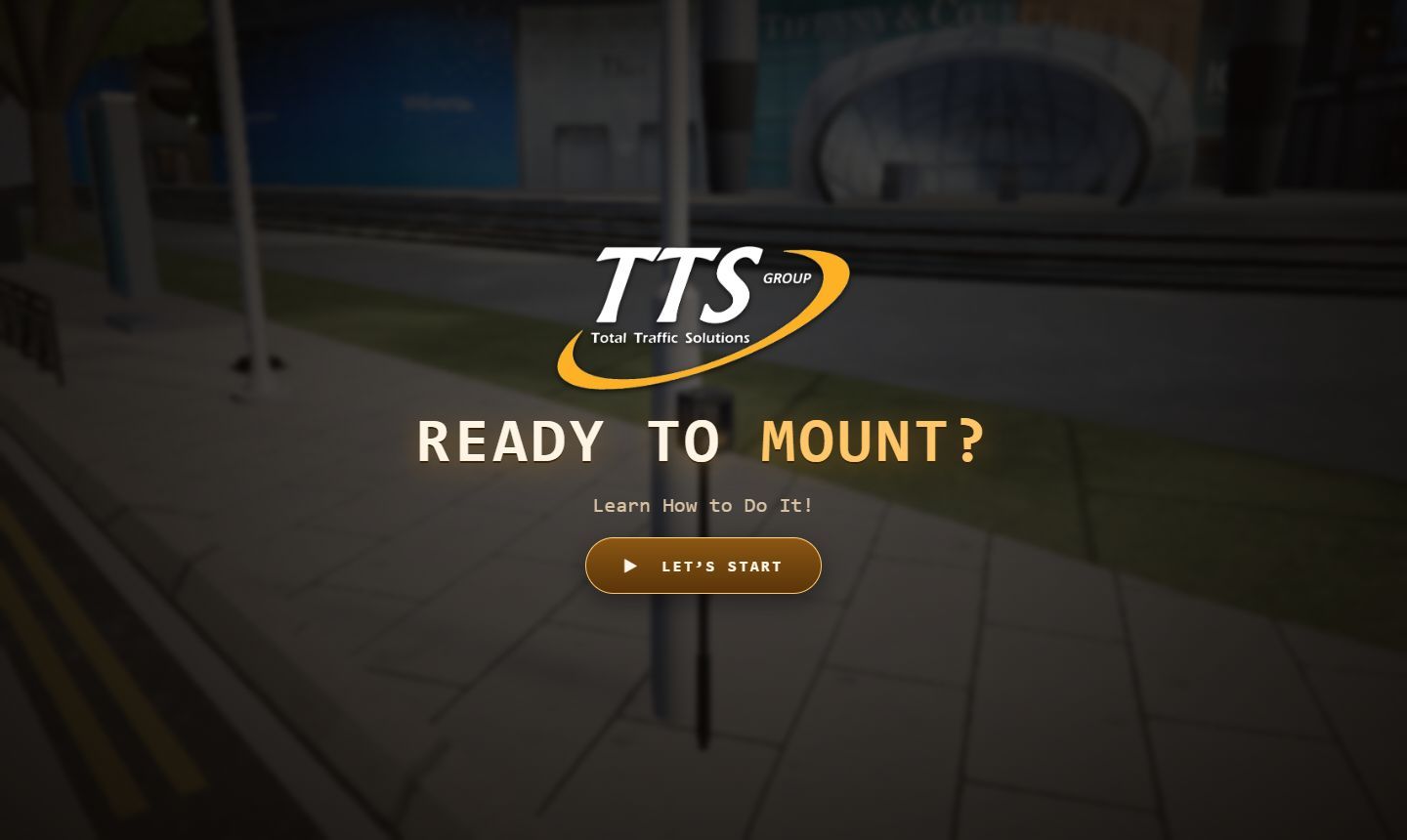
PigeonHole 3.0 installation trainer: start screen

Client work In progress; not yet accepted by the client

PigeonHole 3.0 — browser installation trainer on StreamForge

A Singapore client needed to show its device at a real intersection and teach installers to mount it, by one link.

Our part: We build the scene and the installation trainer; the StreamForge loader is our own technology.

MechaLearn in VR

Prototype Prototype; no classroom pilot yet

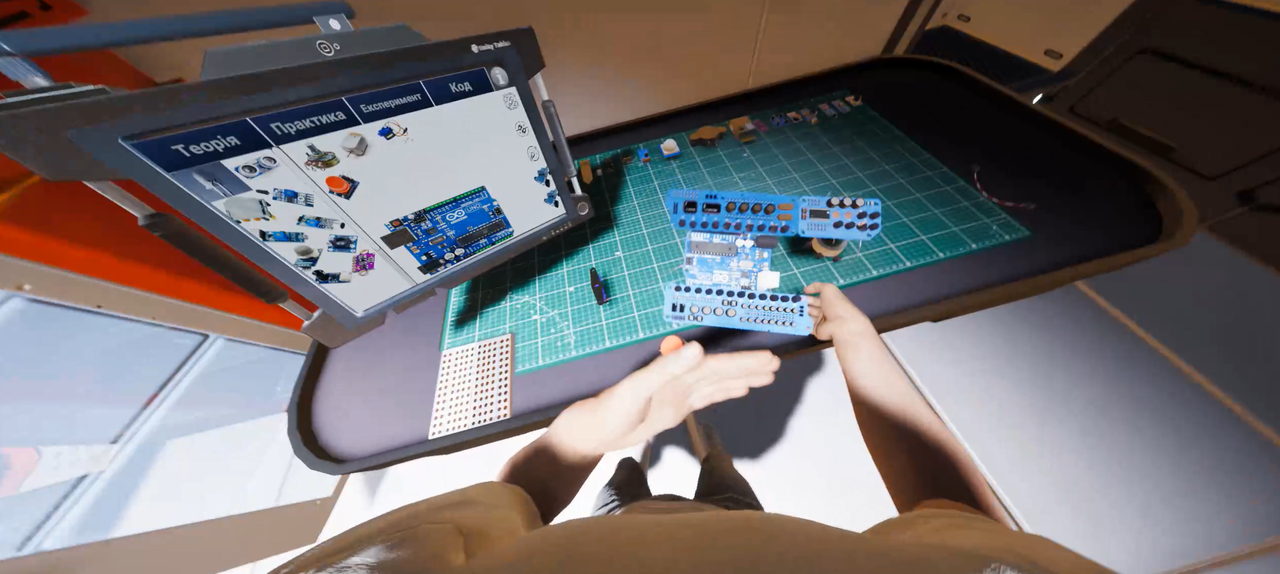
MechaLearn — robotics learning in VR and on the web

A virtual robotics lab: wire a circuit, write Arduino code and watch the device come alive — in VR or the browser.

Our part: Our own project. The idea grew out of Unity and Arduino classes for children at IT Step and Robohaus in Kyiv.

See it working

Open PigeonHole v11

The full-quality version with the step-by-step walkthrough. The scene is heavy: on a phone or an old laptop start with the lighter v12.

Open the 3D portfolio

Our own projects as a 3D world: it opens by a click, and the way back to the site is one button.

How we start

  1. 01

    Describe the task

    Use the form, the chat, or write directly by email or Telegram. No ready specification is needed: a few sentences about what should work and for whom are enough to start.

  2. 02

    We clarify the details

    We read the request and ask only what affects the next step: a new or existing solution, platforms, constraints, materials.

  3. 03

    We agree on the next step

    Depending on the task, this is a consultation, an estimate, a prototype or development. Format, cost and timing are agreed individually before any work starts.

What affects cost and timing

  • The size and detail of the scene
  • Ready models or modelling from scratch
  • The number of interactive steps and checks
  • Devices: desktop only or phones too
  • Hosting and further changes

There is no price list: the cost is confirmed after we look at the task, and format and timing are agreed before work starts.

Questions

Do we need ready 3D models?

No. Ready CAD files or models speed things up; without them the scene is built from drawings or photos, which affects time and cost.

Will it work on a phone?

It depends on the scene. A heavy scene gets a lighter mode; whether phones are a target is agreed before the work starts.

Can it live on our own site?

Yes: the scene can be embedded into your page or opened by a separate link. Hosting is agreed separately.

Can you build a product configurator?

We have no public configurator case yet. The task can be discussed: we'll say honestly what is feasible and what to check first.

Not ready to order development?

Start with a consultation: we sort out the question first, with no obligation to order the work.

Discuss a consultation About consultations

Contact

Tell us about your task

A few sentences and one way to reach you are enough.

What is it about? (required)

What should work and for whom; 10 to 4000 characters.

0 / 4000

One channel: email, Telegram @handle or phone.

Add details (optional)

Your contact is used only to reply to this request.